


The Poem Project

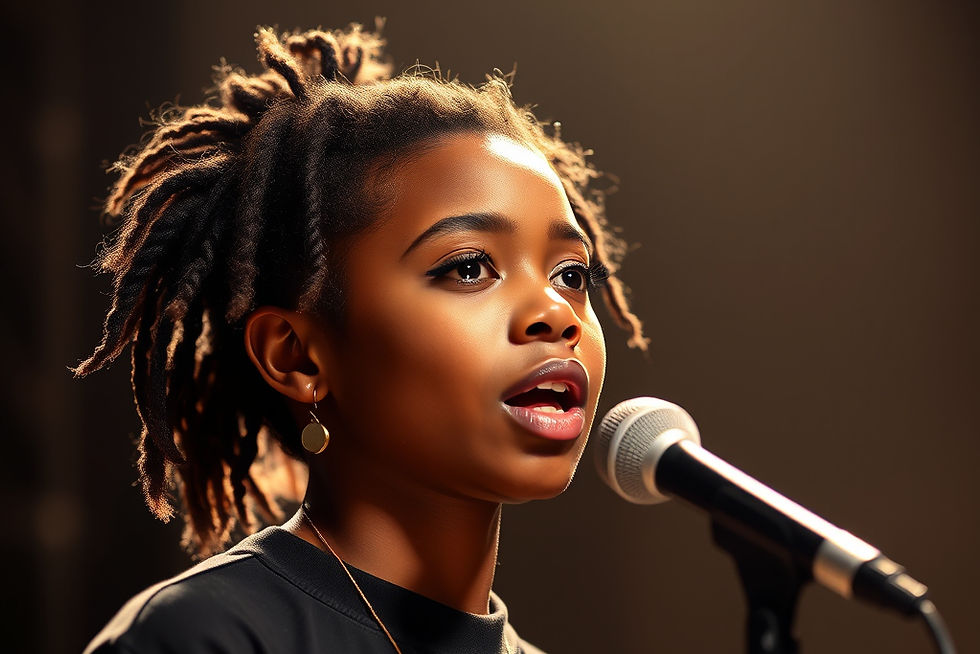
Bringing Words to Life Through Imagery, Voiceover, Sound, and Light
Poetry is cinematic. It uses imagery. It carries rhythm. It builds emotion.
In this Screengoat project, you will write an original poem and transform it into a short film using voiceover, visual storytelling, sound design, and intentional lighting.
This is not a “read your poem on camera” assignment.
This is about directing emotion.
The question is not:
“What does this poem say?”
The question is:
“What does this poem look like?”
Make us feel it.
Make us see it.
Make it unforgettable.
Use the 3-step production process: Pre-Production, Production and Post-Production
PRE-PRODUCTION
Step 1: Write the Poem
Your poem should:
Focus on a single emotional theme
Use strong imagery (show, don’t explain)
60 to 90 seconds when it is timed out on your script. 1 page is approx. 1 minute.
(Time it out with a stopwatch)
Avoid clichés
Create a clear emotional tone
Ask yourself:
What does this emotion look like?
What color is it?
Is it light or shadow?
Is it loud or quiet?
If the poem is vague, the film will be vague.
Clarity in writing leads to clarity in visuals.
Step 2: Visual Planning
Plan it before you shoot it.
Before filming, answer:
What imagery represents this poem?
What metaphors can I show visually?
Will I see a character or just symbolic visuals?
What locations match the mood?
Create:
A basic shot list (minimum 10 shots) or Storyboards
Think about lighting plan (bright? low-key? silhouette?)
Sound plan (what layered sounds will enhance this?)

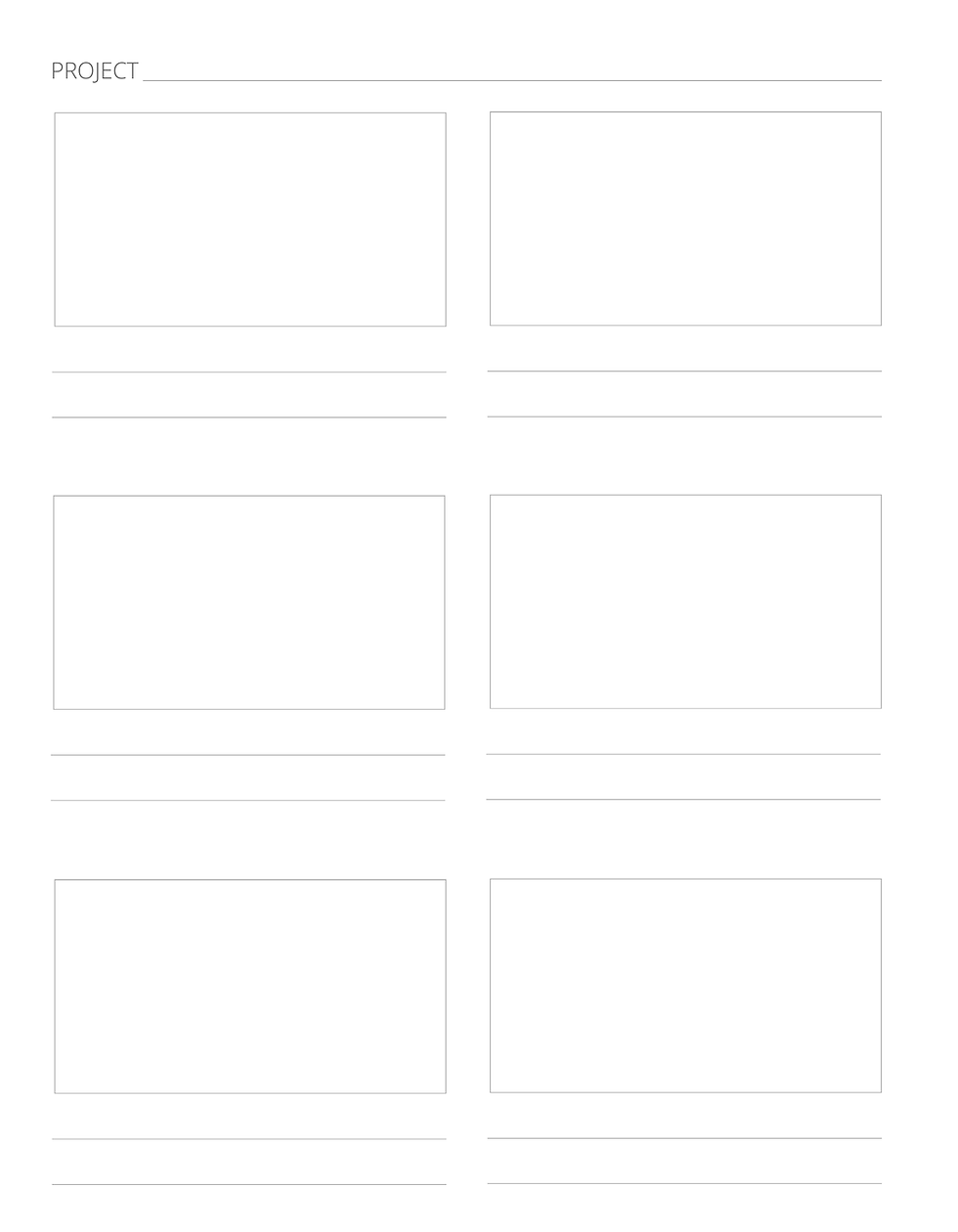
Shot List Template:
Storyboard Templates:
PRODUCTION
Step 3: Record the Voiceover
Voiceover Tips:

Record in a quiet space
Use an external microphone if available
Speak slowly, clearly, rhythmically, and intentionally
Leave pauses between powerful lines
Record multiple takes with different emotional tones
Your voice carries the story.
Step 4: Film the Imagery

Do not simply film yourself reading the poem unless there is purpose behind it.
Instead, film imagery that represents the emotion.
Ideas: close-up details, slow motion, movement in nature, silhouettes, textures (water, fabric, shadows, glass).
Use a variety of shot sizes: Extreme close-up, Close-up,

Medium shot, Wide shot
Avoid random shooting. Every frame should support the poem.
Step 5: Use Lighting Intentionally

Lighting = mood. High key (bright, hopeful), Low key (dramatic, moody), Side lighting / Split Lighting for tension, Backlighting for mystery, Practical lighting (lamps, windows).
Shadows are powerful. Use them.
POST-PRODUCTION
Step 6: Sound Design

Sound should enhance, not distract. Audiences forgive imperfect visuals. They do not forgive bad audio.
Find or create music that matches your poem. Think of Dear Basketball.
Add layered sound effects to support emotion: wind, footsteps, fabric movement, clock ticking, room tone,
water, breath...Keep it subtle.
Step 7: Edit with Intention

Your edit should:
Match pacing to the rhythm of the poem
Cut on emotional beats
Allow moments to breathe
Avoid distracting transitions
Balance all audio carefully
Silence can be powerful.
Let the story unfold.
Technical Requirements
Length: 60 - 90 seconds
Must include:
Original poem
Voiceover
At least 5 cinematic / creative shots
Intentional lighting choices
At least 2 layered sound elements
No copyrighted music unless licensed
What You’re Really Learning:
Visual metaphor
Emotional pacing
Sound layering
Lighting for mood
Vocal performance
Editing rhythm
Cinematic restraint
You are directing emotion.
That is filmmaking.
Reflection
What worked?
What didn’t?
What you would improve?
What did you learn?
See you next time on SCREENGOAT.
#HorrorFilm #ShortFilm #PreProduction #Production #PostProduction #EditingBasics #EasyEditingFX #TwoOfMe #HowMakeaScaryMovie #EditingTricks #EasyEditingTricks #EditingFX #Filmmaker #VideoEffects #MovieEffects #MoviesFX #Editor #Edit #MaryPoppins #FindingNemo #HarryPotter #TrailerRecut #Recut #MovieGenres #ScaryMovie
You Might Find These Interesting:
Free Production & Blogging Resources:

Copyright © 2026 Screengoat & Round-Circle, Inc.


